Accessibility Statement
Our Commitment
We want everyone to be able to use this website, including people with disabilities. We aim for it to conform to the Web Content Accessibility Guidelines (WCAG) 2.1 at Level AA, the standard published by the World Wide Web Consortium (W3C) to make web content usable by people with a wide range of disabilities, including visual, hearing, motor, and cognitive disabilities.
Conformance Status
This website partially conforms to WCAG 2.1 Level AA: some parts do not yet fully meet the standard. We are working to improve them.
Accessibility Menu
The accessibility button at the edge of the screen (or Alt + A, Option + A on a Mac) opens a menu that lets you adjust this website to your needs. Your choices are remembered as you move between pages.
Accessibility Profiles
- Seizure Safe Profile: This profile reduces the risk of seizures by stopping flashing or blinking animations and reducing color saturation.
- Vision Impaired Profile: This profile adjusts the website to support various visual impairments, such as deteriorating eyesight, tunnel vision, cataracts, and glaucoma.
- ADHD Friendly Profile: This profile minimizes distractions and reduces noise, aiding individuals with ADHD and other neurodevelopmental disorders in navigating and focusing on the website content.
- Cognitive Disability Profile: This profile provides features that help users with cognitive disabilities, such as autism and dyslexia, to focus on key content more easily.
- Dyslexia Friendly Profile: This profile makes text easier to read with a plain, clear font and more space between letters, words, and lines.
Customization Options
- Text Adjustments: Users can change the font type, font size, alignment, line height, and the spacing between letters and words.
- Color Adjustments: Users can select light, dark, or high contrast, invert the colors, dim the screen or give it warmer colors, and increase, reduce, or remove color saturation (monochrome).
- Animation and Sound Control: Users can stop animations, including autoplaying videos, animated GIFs, and CSS animations and transitions, with a single click, catering to those sensitive to motion, and can mute the sound of audio and video players. When a device is set to reduce motion, animations are stopped automatically.
- Content Emphasis: Users can highlight important elements such as links and headings or choose to highlight elements only when they are focused or hovered over.
- Reading Support: In browsers that support speech, Read Aloud reads out the text users click, select, or reach with the keyboard. The text magnifier, reading guide, and reading mask help users keep their place.
- Navigation: Page Structure lists the landmarks and headings of a page so users can jump straight to any section. Keyboard users are also offered a “Skip to main content” link.
Browser and Assistive Technology Compatibility
We aim to support the current versions of major browsers, including Google Chrome, Apple Safari, Microsoft Edge, and Mozilla Firefox, on computers and mobile devices, as well as screen readers and other assistive technologies.
Known Limitations
Some content may not yet be fully accessible, such as older pages, documents (for example PDF files), videos, and content from other providers that we embed, such as maps, booking, and chat tools.
Feedback and Contact
If you have difficulty using any part of this website, please let us know and we will do our best to help and to fix the problem. Use Report Issue in the accessibility menu, or email us at accessibility@digimedspa.com. Please include the page address and a short description of the problem. We aim to respond within five business days.
This statement was last reviewed on September 28, 2026.


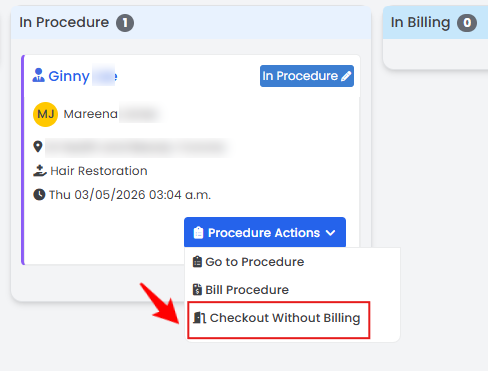 The booking has been successfully checked out without billing!